
Appearance
Table
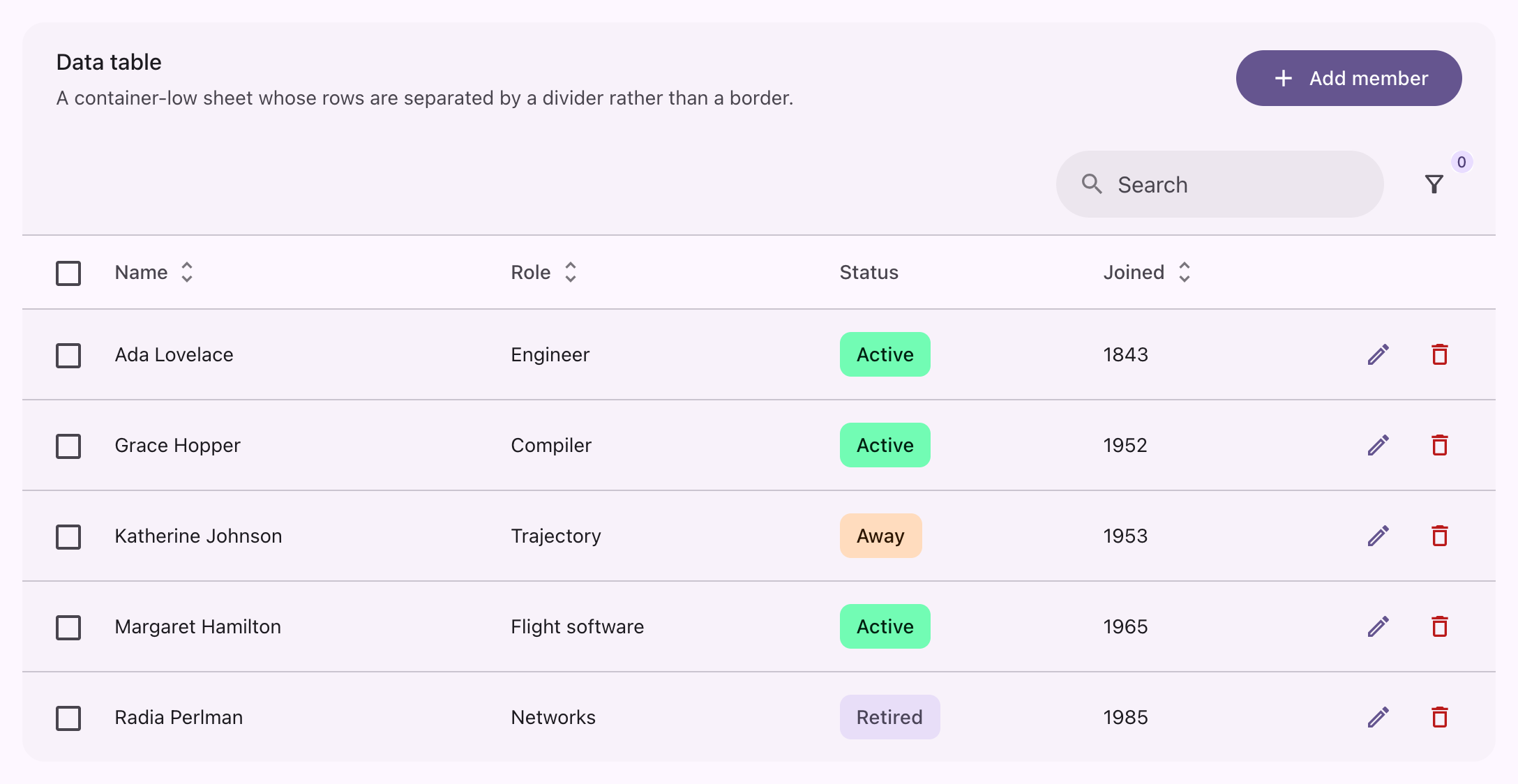
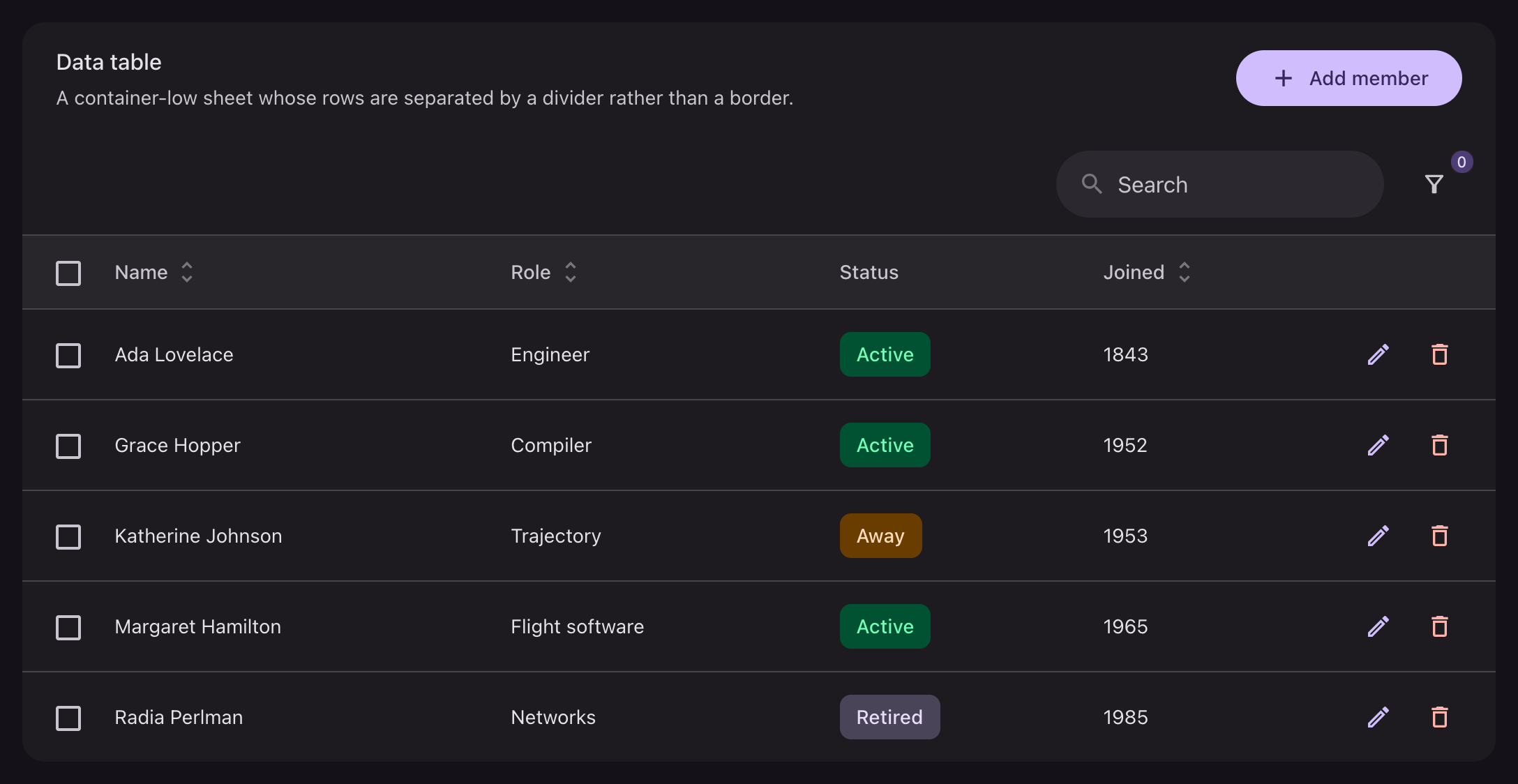
Material has no data table of its own, so a Filament table is built from what a list gives: a labeled row on the sheet it belongs to, divided from the rows beneath it. Nothing here is a theme method.
php
use Filament\Tables\Columns\TextColumn;
use Filament\Tables\Table;

public function table(Table $table): Table
{
    return $table
        ->heading('Table')
        ->description('One rounded sheet whose rows are separated by a divider.')
        ->columns([
            TextColumn::make('name')->searchable()->sortable(),
            TextColumn::make('role')->sortable(),
        ]);
}
The whole table is one card on the pane tone, rounded 12dp, with no elevation. Filament rules off each band of chrome above it; two rules in a row read as two toolbars, so only the one that meets the table is kept.
Header


php
$table
    ->heading('Table')
    ->description('One rounded sheet whose rows are separated by a divider.')
    ->headerActions([
        Action::make('add')->label('Add member')->icon(Heroicon::OutlinedPlus),
    ]);
Header actions are buttons and take every variant. The search field is a search pill.
Rows
php
TextColumn::make('name')->sortable();
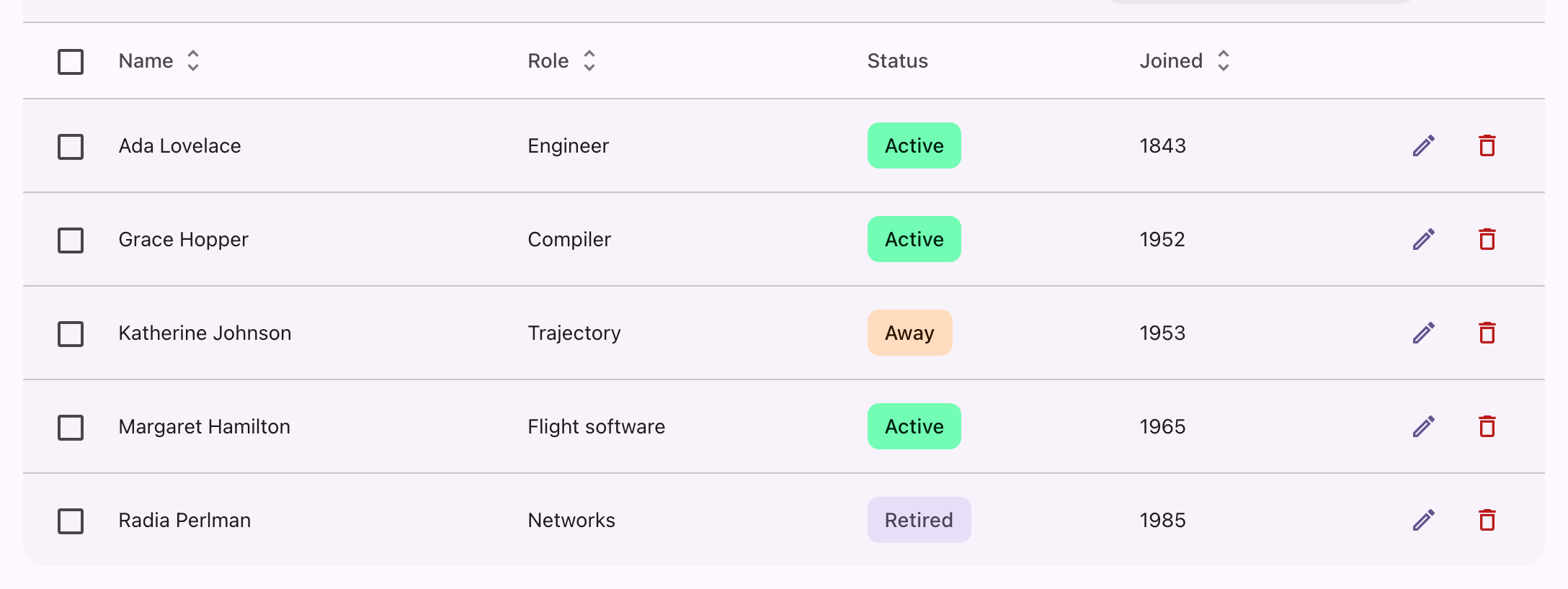
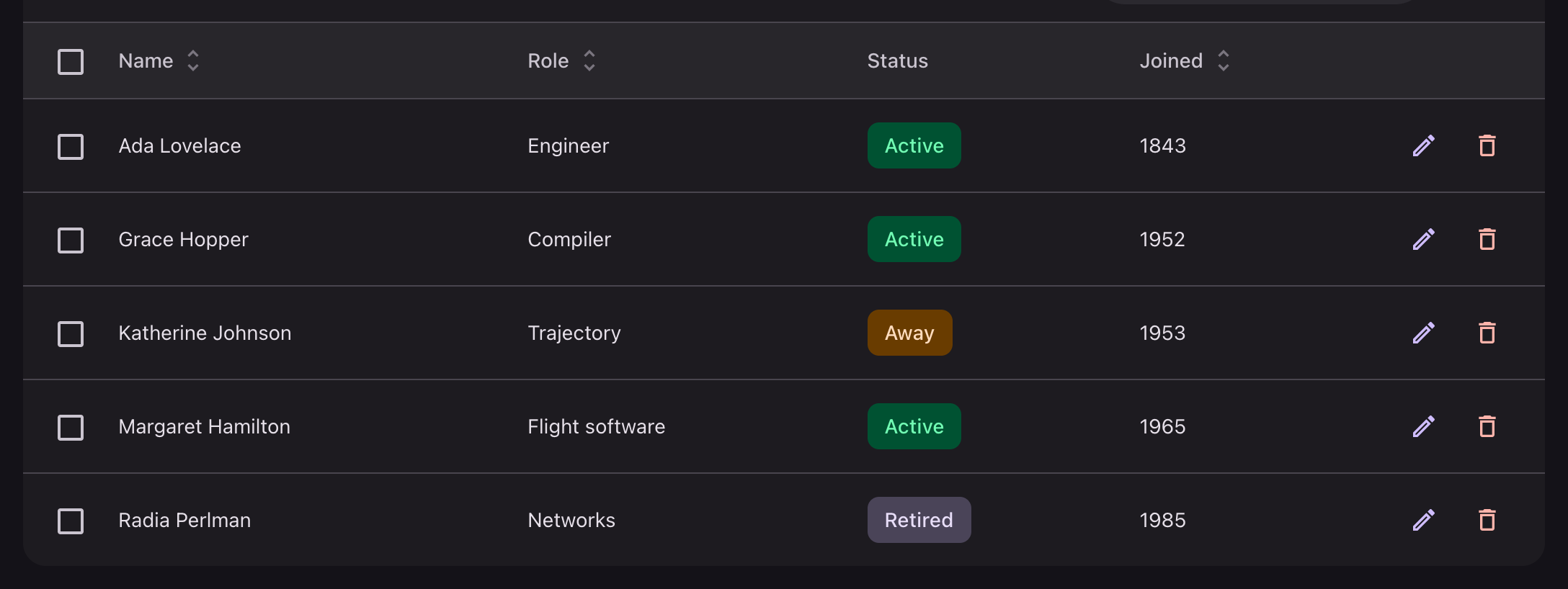
TextColumn::make('status')->badge();| Part | What it takes |
|---|---|
| Header row | Transparent, divided by a hairline, cells in title-small on the variant ink |
| Sort control | A state layer, and the primary color once the column is sorted |
| Row | A state layer on hover, focus and press |
| Selected row | Secondary container, ink on its on-container pair |
| Cell | Body-medium on the plain ink; a cell label body-small on the variant ink |
A status column renders as a badge. Images round 8dp, color swatches are circles behind a hairline, and a placeholder takes the outline color.
Row actions


php
$table->recordActions([
    Action::make('edit')->icon(Heroicon::OutlinedPencil)->iconButton(),
    Action::make('delete')->icon(Heroicon::OutlinedTrash)->iconButton()->color('danger'),
]);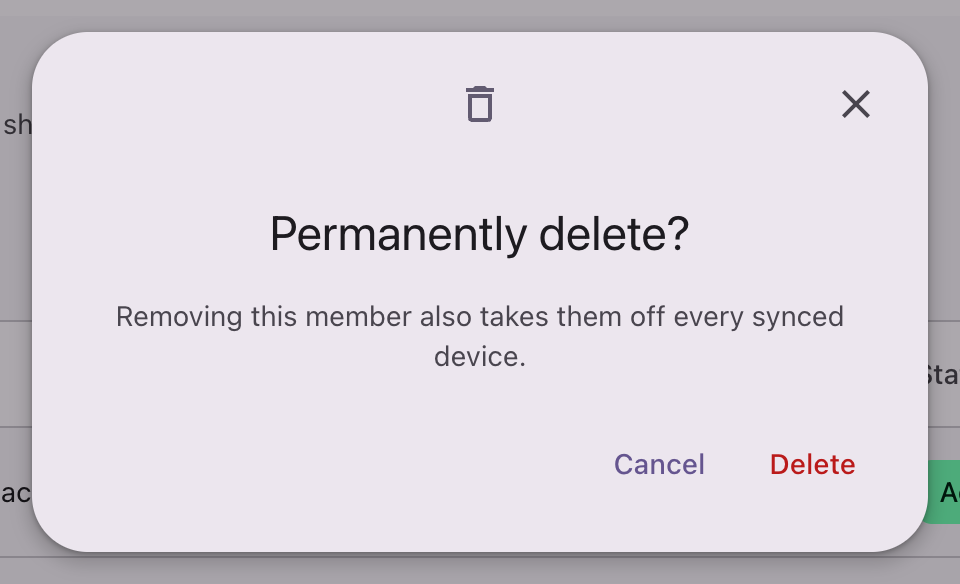
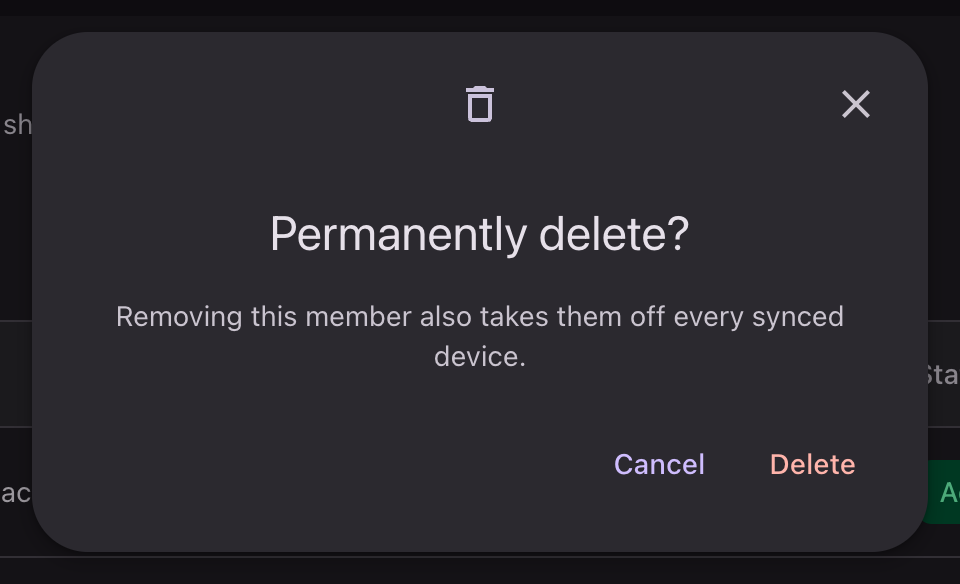
php
Action::make('delete')
    ->icon(Heroicon::OutlinedTrash)
    ->iconButton()
    ->color('danger')
    ->requiresConfirmation()
    ->modalIcon(Heroicon::OutlinedTrash)
    ->modalHeading('Permanently delete?');
See modals.
Selection


php
use Filament\Actions\BulkAction;

$table->toolbarActions([
    BulkAction::make('archive')->label('Archive')->icon(Heroicon::OutlinedArchiveBox),
]);
Selecting a row swaps the toolbar for the actions that apply to the selection. The indicator that counts them sits on the secondary container, which is the same tone a selected row takes.
Grouping, summaries and reordering
| Part | What it takes |
|---|---|
| Group header | Title-small heading, body-small description, divided by a hairline |
| Summary row | The pane-header tone, labels in title-small on the variant ink |
| Reorder handle | The variant ink and a grab cursor |
| Reorder indicator | The primary color |
| Column manager | The menu sheet, its rows sharing the menu's shape |
| Record collapse control | A fully rounded icon button with a state layer |
Empty state
An empty table drops its own background and centers Filament's empty state: the icon in a surface-container-high circle, the heading in title-medium, the description in body-medium on the variant ink.
Pagination
See pagination.